Exclusive, stylish and contemporary
Whether it’s kombucha and salad after sweating it out in the gym, a quick family dinner of loaded flatbread and milkshakes after swimming or ham, egg and chips with a refreshing pint after a round of golf, the Members Bar and Garden Pavilion at Exeter Golf and Country Club are open from morning until night. With plentiful outside seating stretching from the patio of the brand new Members Bar nestled amongst the trees, through to the elevated terrace of the Garden Pavilion and alongside the putting green on the elegant veranda of Wear Park, you can enjoy panoramic views along the 18th fairway to the fountain by the 18th green.
Members enjoy a 20% discount on food and drink in the Members Bar and Garden Pavilion and in the newly refurbished Wear Park Restaurant.
New Members Bar
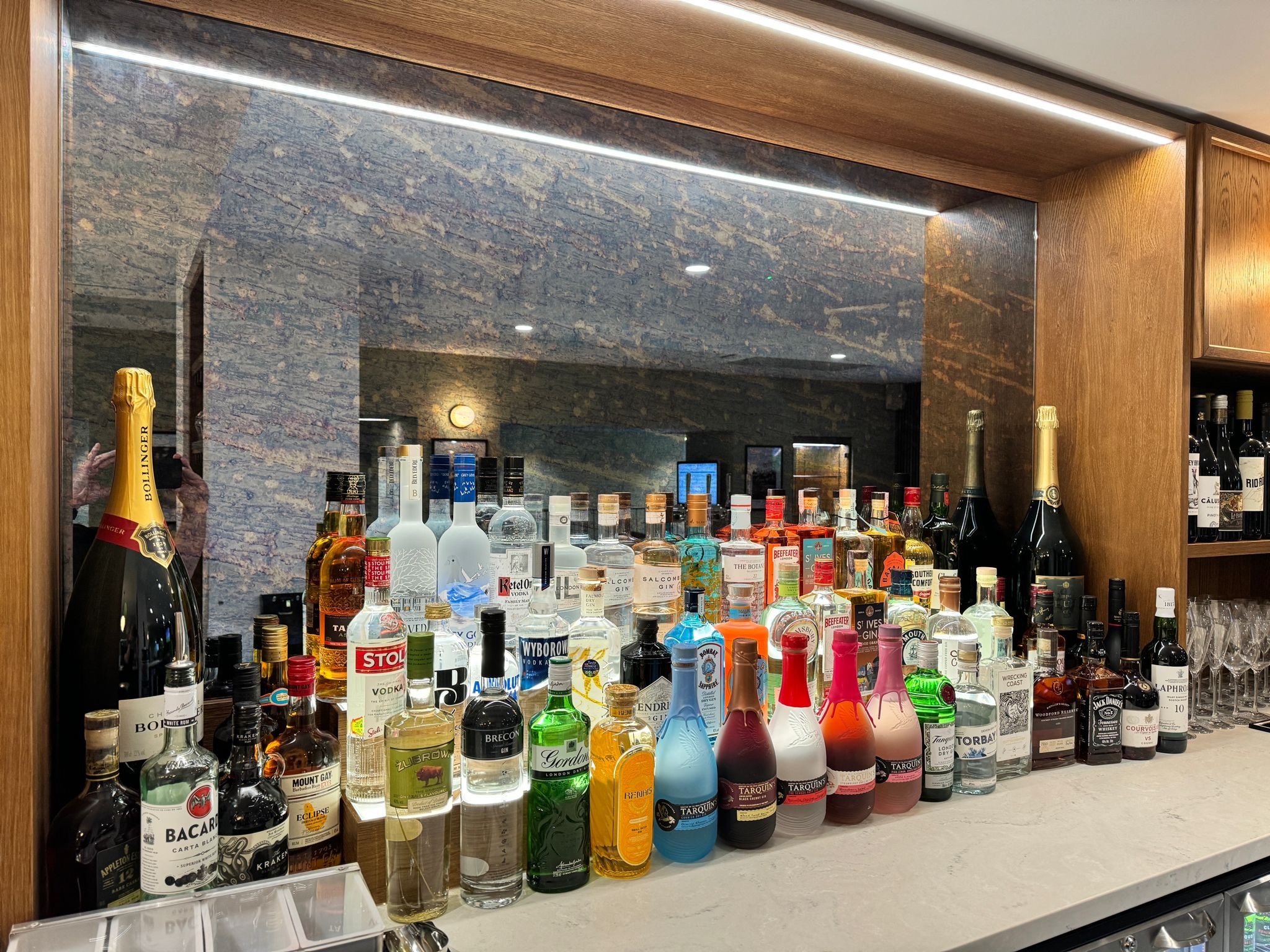
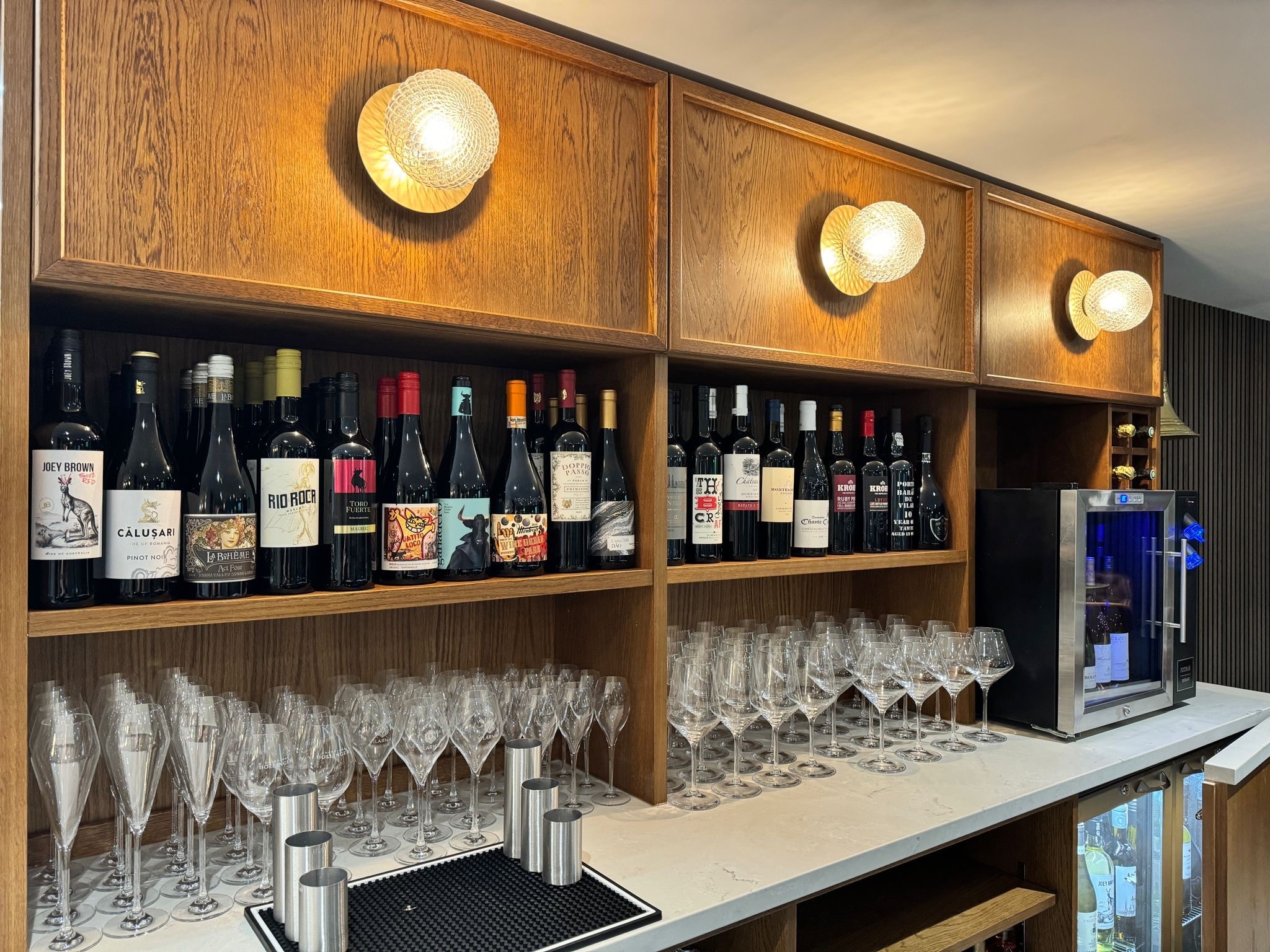
The brand new Members Bar is now open offering members a multi-use, contemporary and stylish place to eat and drink throughout the day and evening. With a cafe-style area that’s light and airy with bi-fold doors to the patio, a dedicated ‘work-on’the’go’ desk space with charging sockets, plus a luxurious adult-only corner of the bar for a glass of Champagne, G&T or refreshing pint; we’ve made sure the Members Bar is as versatile and flexible as possible – for all our members, at all times of their day.
Of course, we’ve not forgotten our younger members…under 5s can bounce around the new soft play zone, while older brothers and sisters can battle it out at table football or on the outside table tennis.
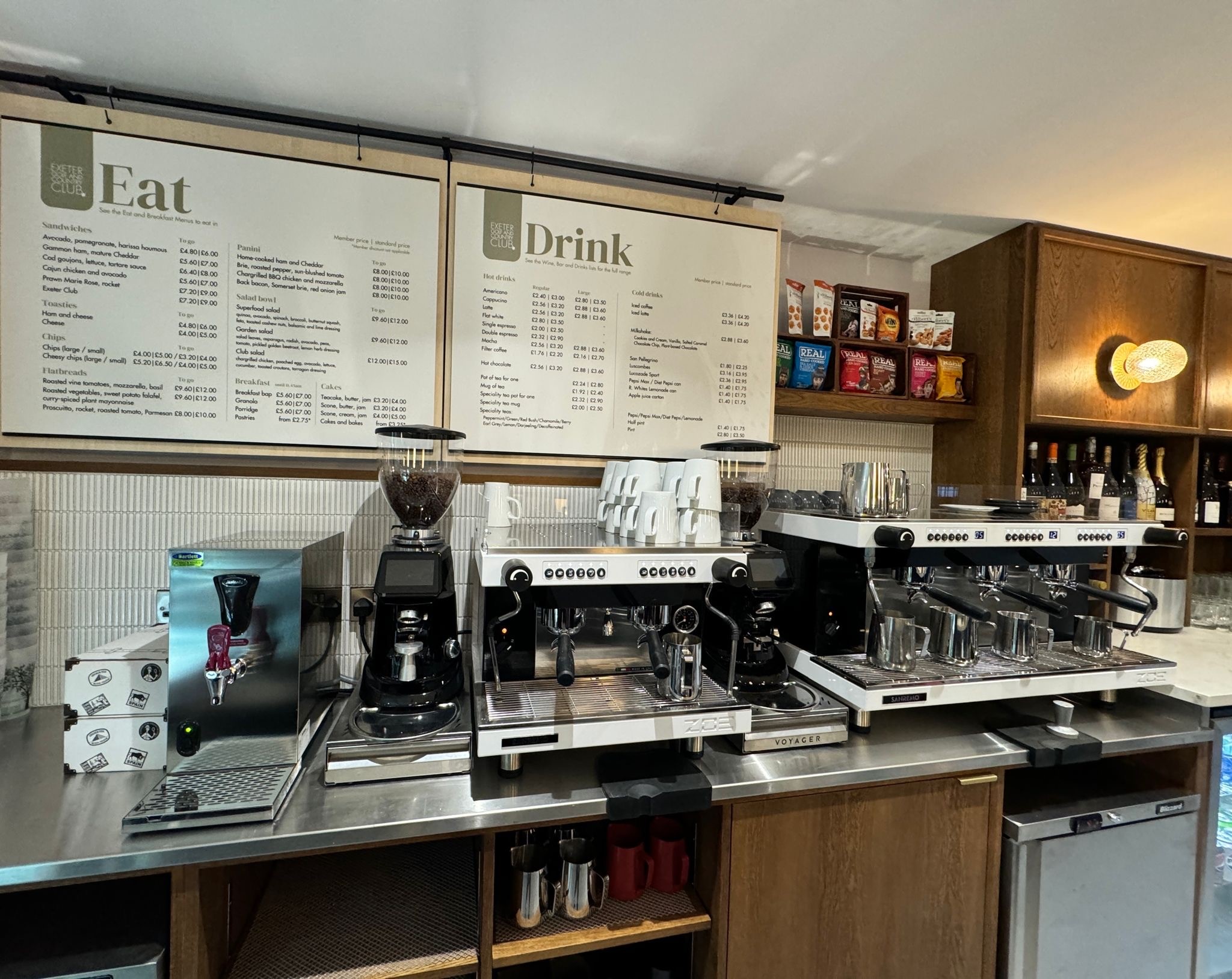
While you order at the counter in the Members Bar, whether eating in or choosing from the chiller with our brand new ‘food-on-the-go’ sandwiches, salads and bottled drinks, over in the Garden Pavilion you can enjoy table service from 11am daily.
–
Summer Opening Times:
Monday from 8am – 10pm (kitchen closes at 7pm)
Tuesday, Wednesday Thursday, Friday and Saturday from 8am – 10pm (kitchen closes at 9pm)
Sunday from 8am – 10pm (kitchen closes at 7pm)





Garden Pavilion
With an panoramic view from the Georgian manor house, Wear Park, to the fountain on the 18th hole and up the 18th fairway, from both inside and out, the Garden Pavilion is a stunning setting for food and drinks from sunrise to sunset – at all times of the year.
Summer Opening Times
Monday from 8am – 10pm (kitchen closes at 7pm)
Tuesday, Wednesday Thursday, Friday and Saturday from 8am – 10pm (kitchen closes at 9pm)
Sunday from 8am – 10pm (kitchen closes at 7pm)
Table service from 11am
Please order at the Members Bar counter between 8am and 11am.
menus
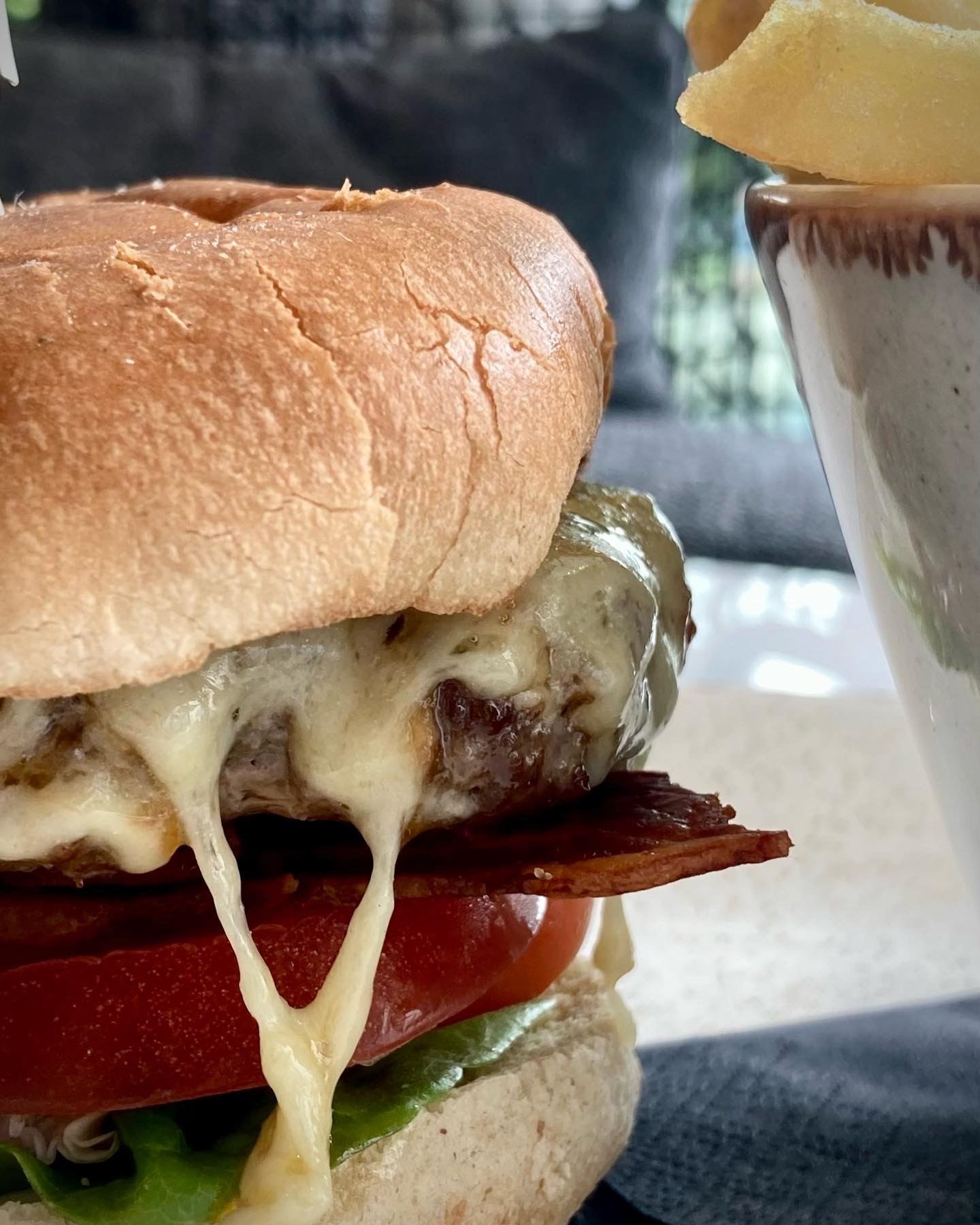
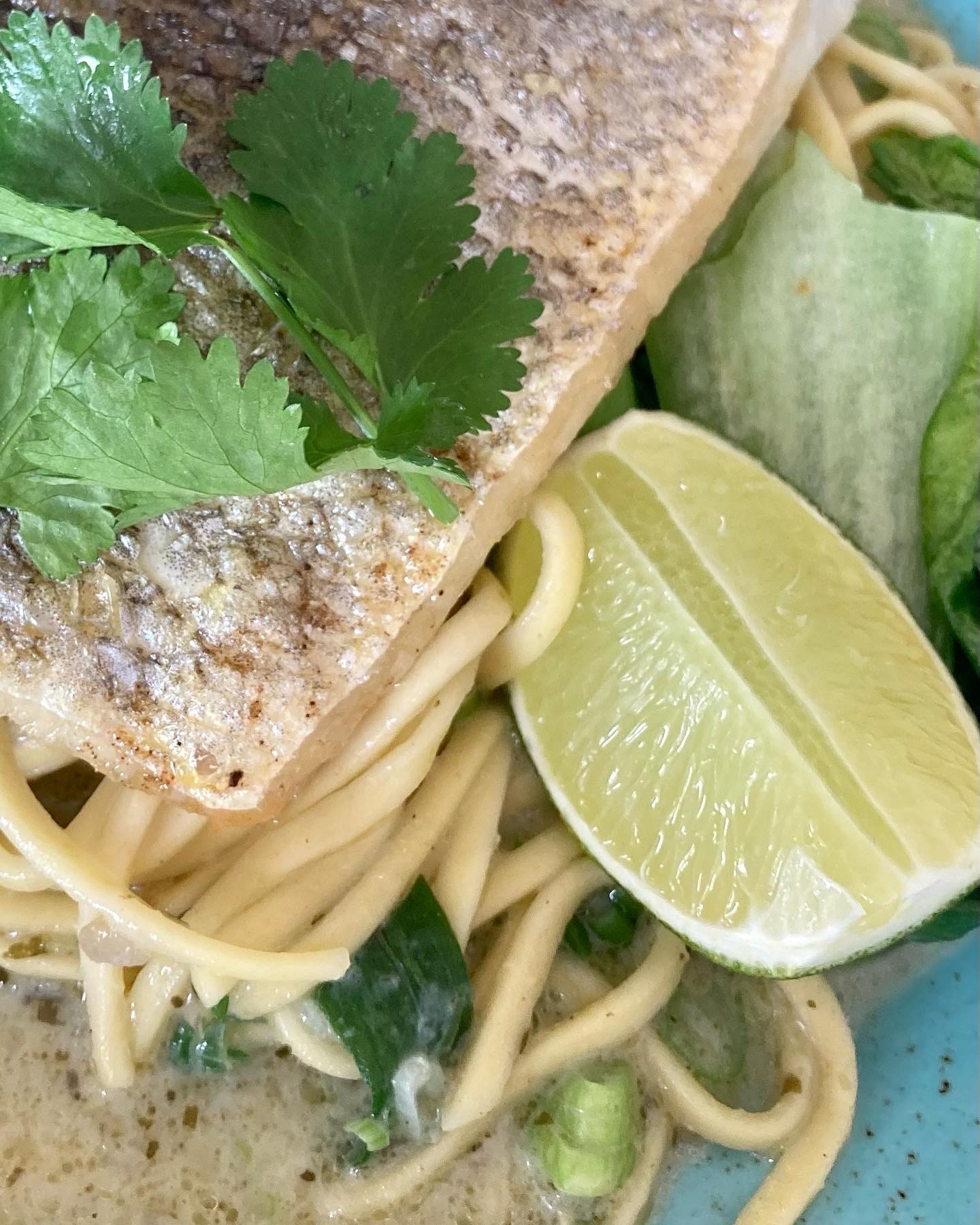
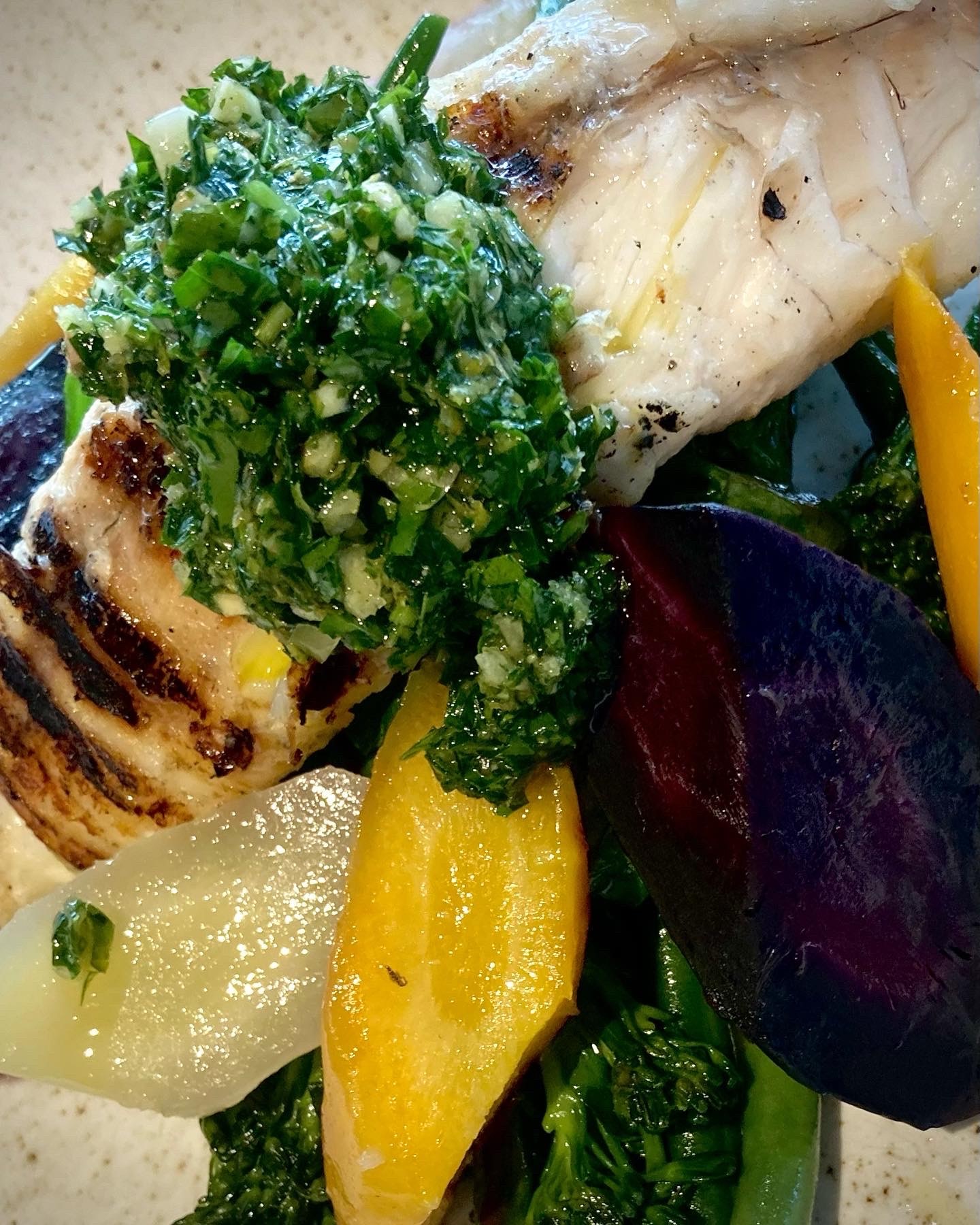
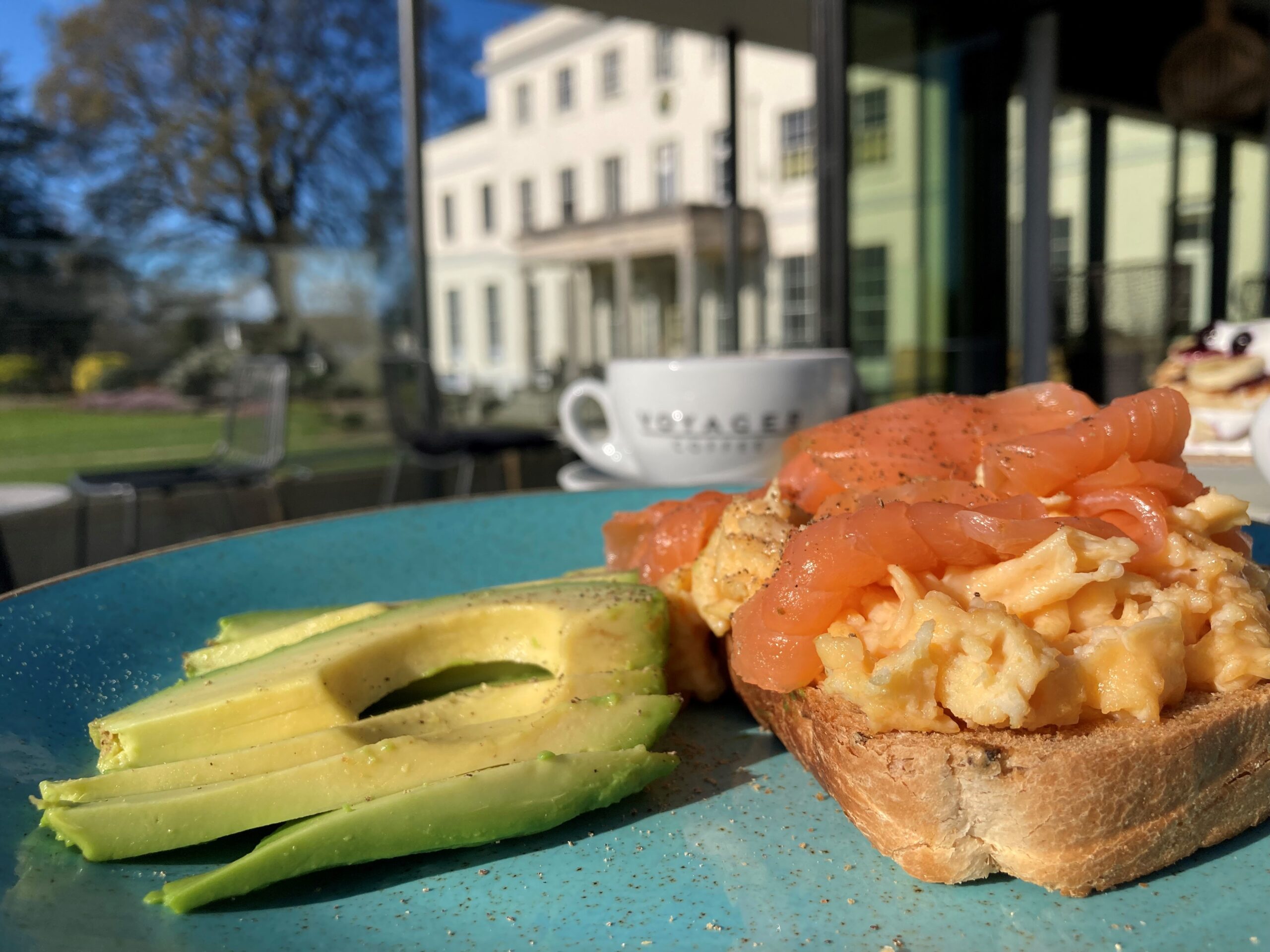
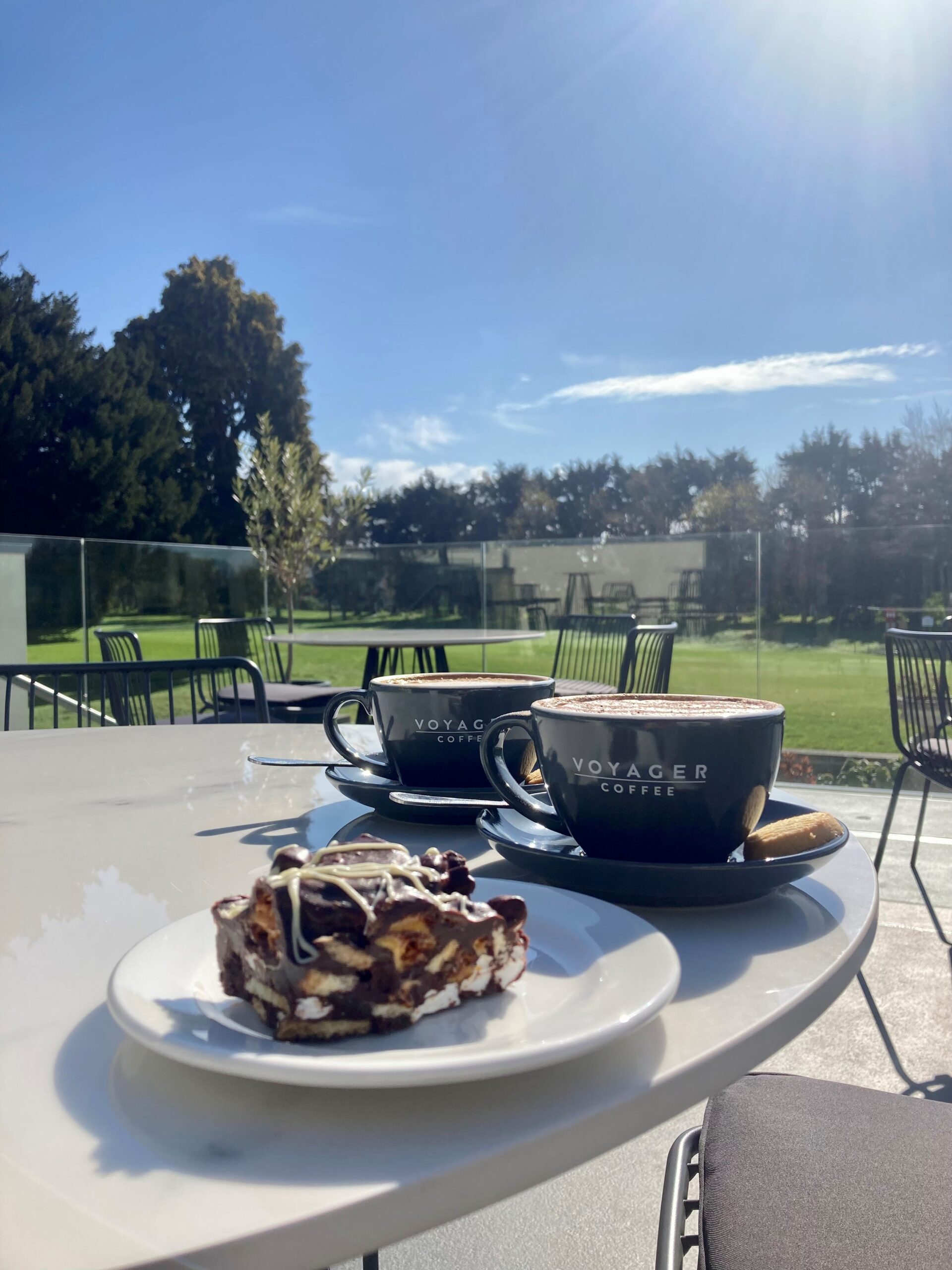
Our menus at Exeter Golf & Country Club are all about fresh, local food cooked from scratch in our on‑site kitchen with no mass‑produced dishes or shortcuts — using regional suppliers like Talaton eggs, mid‑Devon meat, Brixham fish and seasonal fruit and vegetables from local farms to bring bold flavours and quality to every plate. The Breakfast & Brunch Menu (served 8.00am–11.45am) includes freshly baked pastries, porridge and morning favourites, while the Members Bar Menu (from 11.45am) offers a wide choice of salads, sandwiches, starters, paninis, flatbreads, hearty mains and children’s dishes to suit every appetite. Our daily selection of cakes, bakes, shortbreads and scones is also freshly prepared in‑house or delivered from artisan bakery Cakehead, ensuring there’s always something tempting to enjoy throughout the day. All food is prepared fresh and cooked to order, reflecting our commitment to quality, flavour and local sourcing.
Pool Hut
Open for pool-side food and drink during the summer months at weekends and in school holidays*.
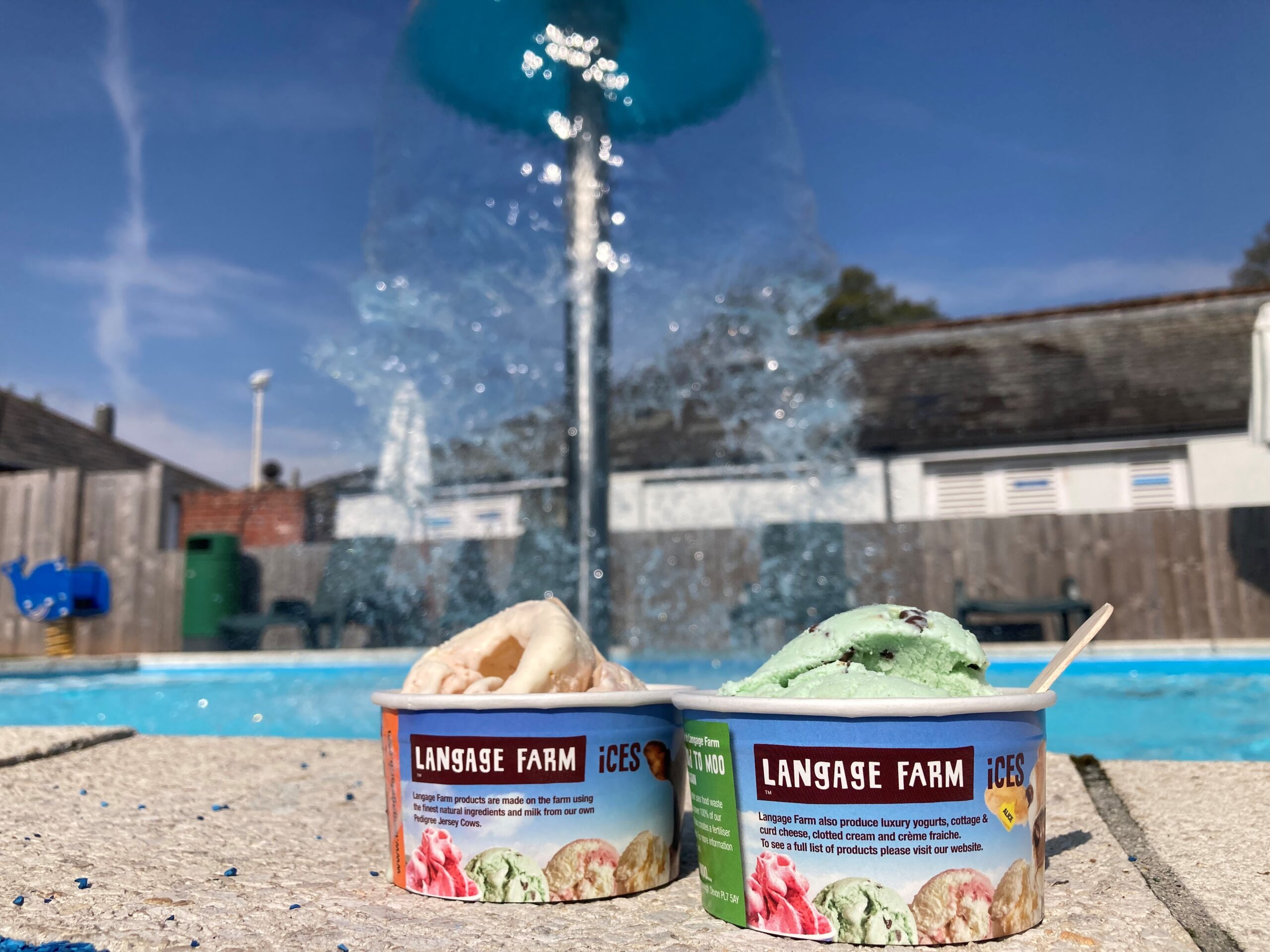
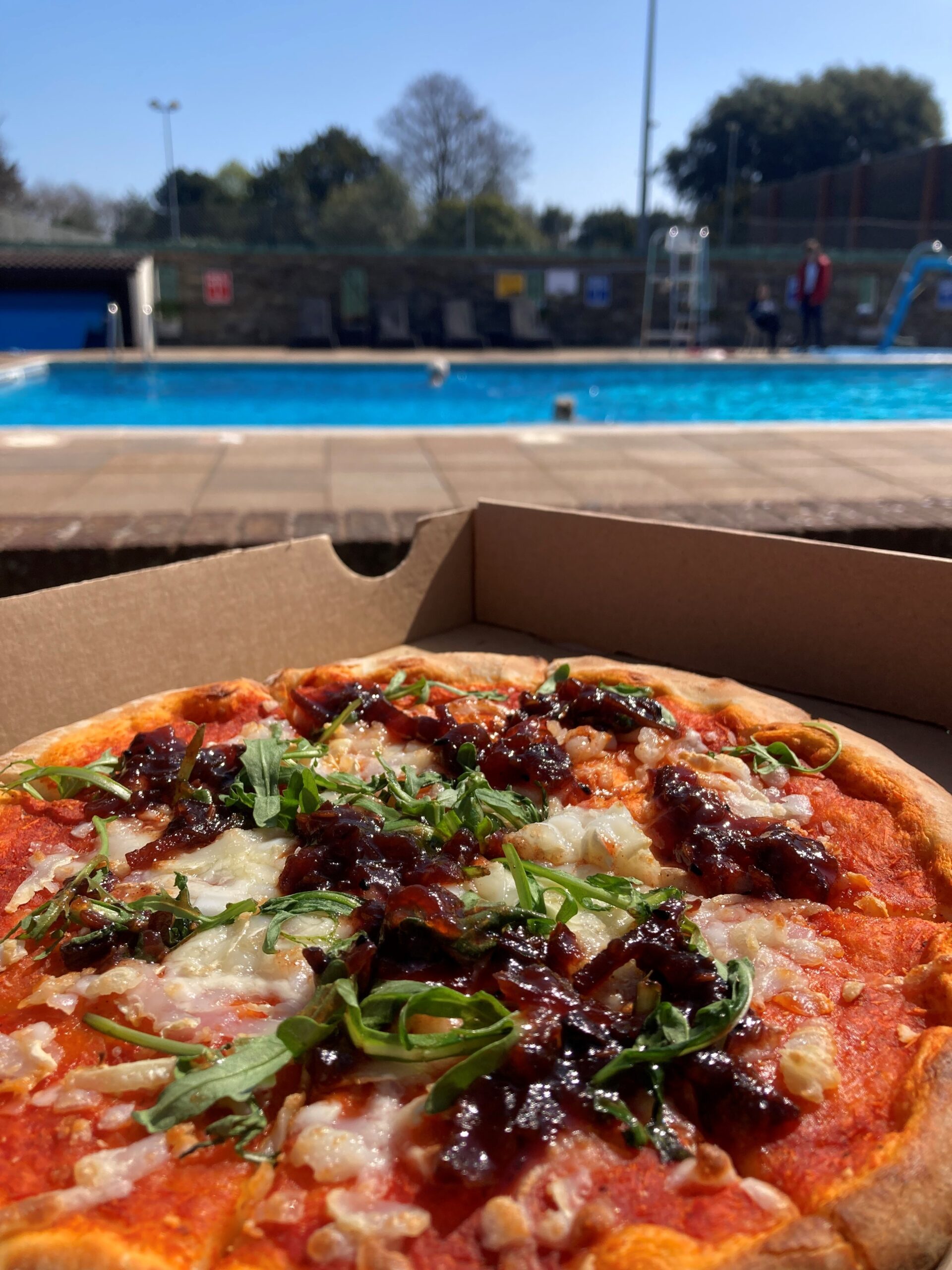
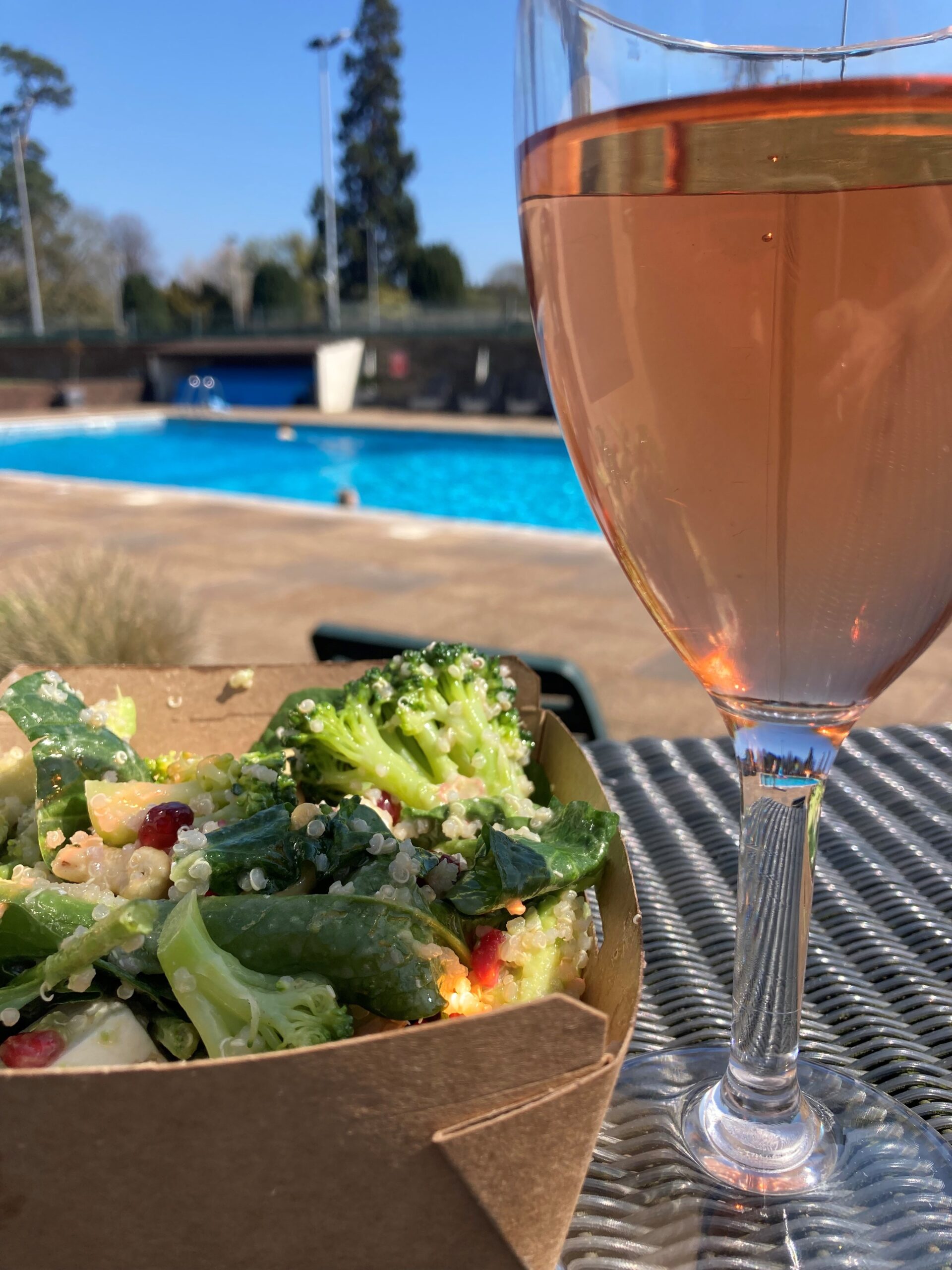
Freshly cooked pizzas on a rustic hand-stretched basis with flavoursome toppings, Langage Farm ice cream, takeaway salads, cheesy nachos, and a wide selection of snacks and drinks to keep everyone happy for days by the outdoor pool. From ice cream milkshakes and fruity thirst-quenchers for kids through to iced coffee and cans for the grown ups with Tarquins Gin, Salcombe IPA and NICE white, rose and red wines (to name but a few)…the Pool Hut is THE place to be in Exeter on a sunny day.
Want to bring a guest?
Members are welcome to bring a guest for a day at the outdoor pool – simply buy a guest pass at Reception for £20 for adults or £10 for children.
The Pool Hut is weather dependent – if it is closed when you visit, remember you can order inside at the Members Bar for ‘food-on-the-go’, drinks and ice creams. Please remember to dry off, cover up swimwear and wear shoes and sandals when you go inside to order.
*standard Devon term-times apply